Overview
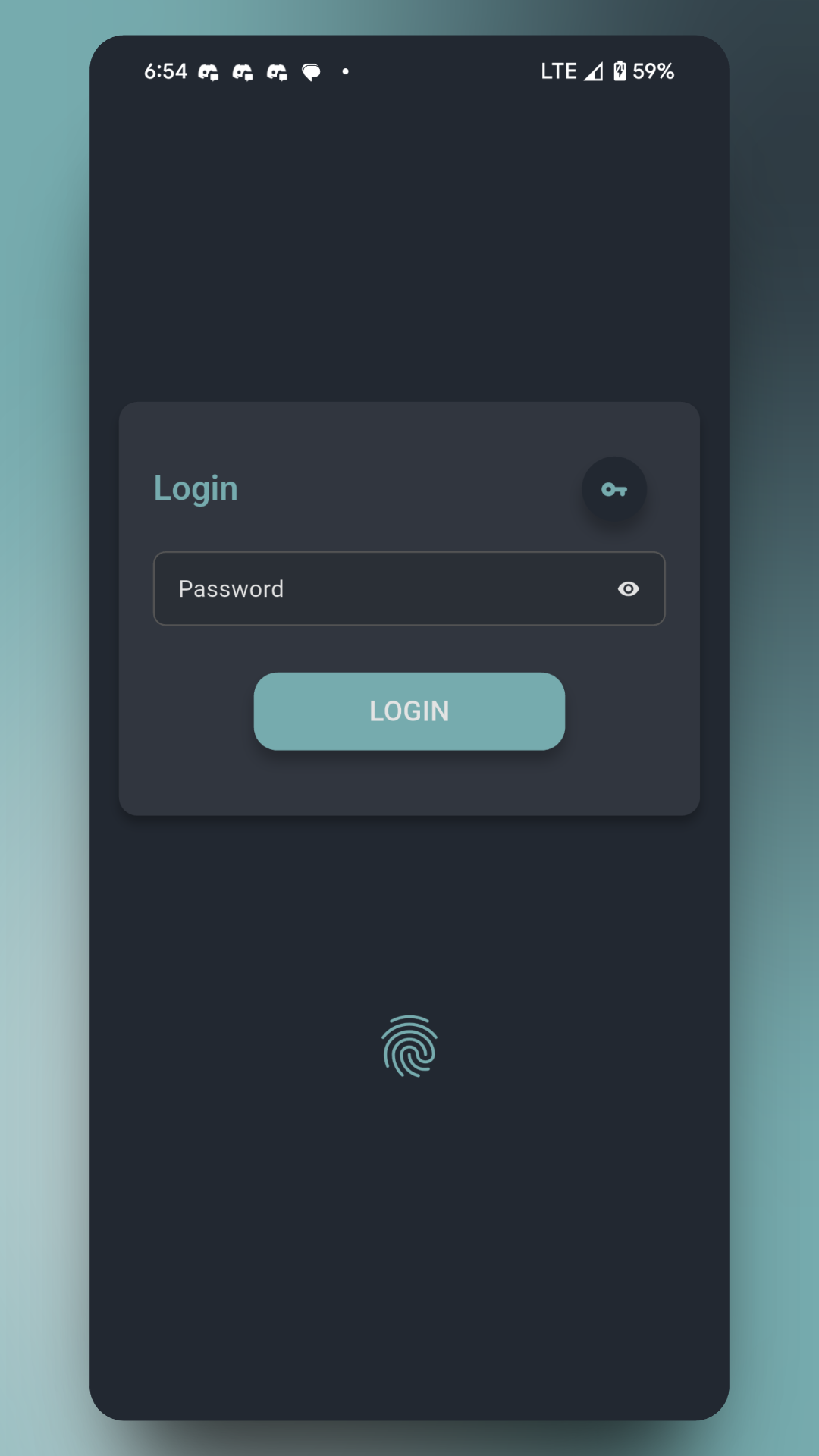
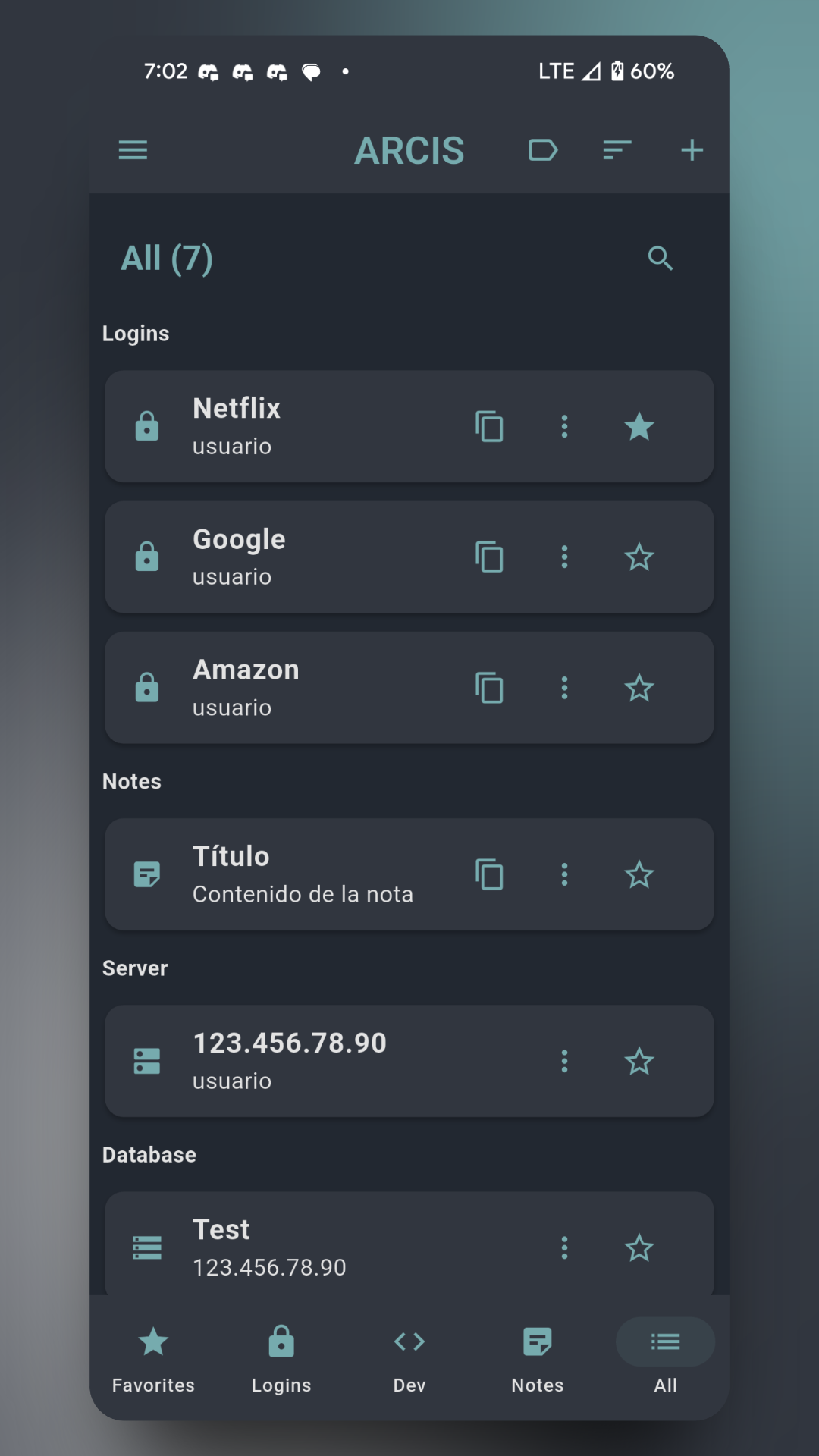
Advanced Flutter application for secure management of credentials, notes, tokens and access to servers, databases and repositories. It incorporates AES-256 encryption, PBKDF2 key derivation, and secure storage with synchronization via QR codes and encrypted files, including a visual conflict resolution system. Designed to provide a native experience on both mobile and desktop devices.
The Problem
As a developer, managing credentials, API tokens, server access, and database access securely and synchronized across multiple devices is a constant challenge. Existing solutions don't offer the perfect balance between advanced security, ease of use, and portability that I needed in my daily workflow.
- Insecure credential storage in environment variables or configuration files
- Difficulty maintaining synchronized access between multiple development devices
- Lack of a unified solution for managing credentials, tokens, SSH access, and database access
- Need for an offline-first solution that doesn't depend on cloud services
- Complex management of secure, unique passwords for each service
The Solution
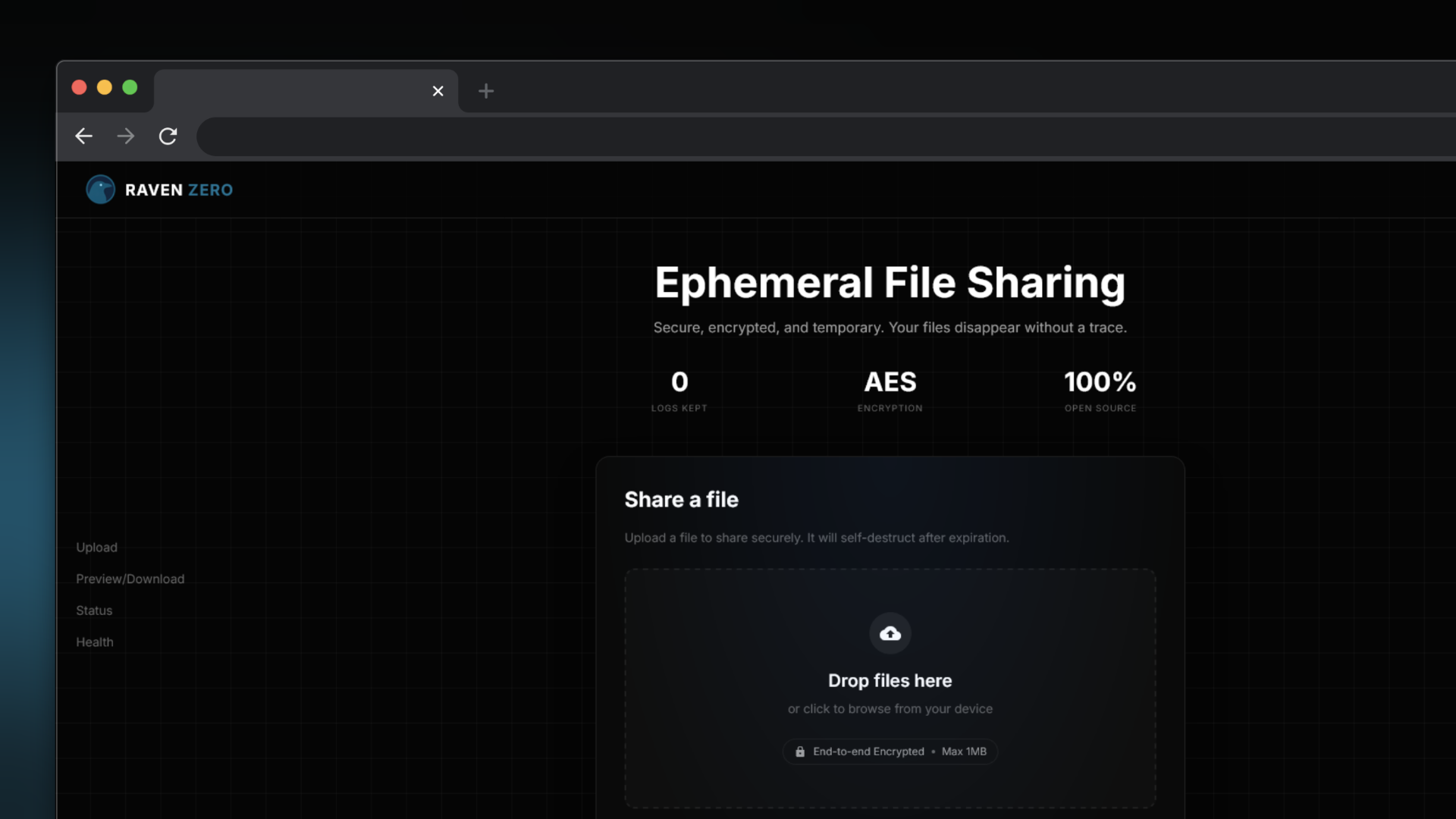
owlwo is an all-in-one solution developed in Flutter that solves credential management problems for developers. It uses AES-256 encryption and integrates with Data Dead Drop (datadeaddrop.com) for secure and anonymous data synchronization between devices, without relying on traditional cloud services.
- Modular architecture with clear separation between layers (UI, business logic, database) to facilitate maintenance and scalability
- Integration with Data Dead Drop for secure synchronization and anonymity, with encrypted files that self-destruct after being accessed
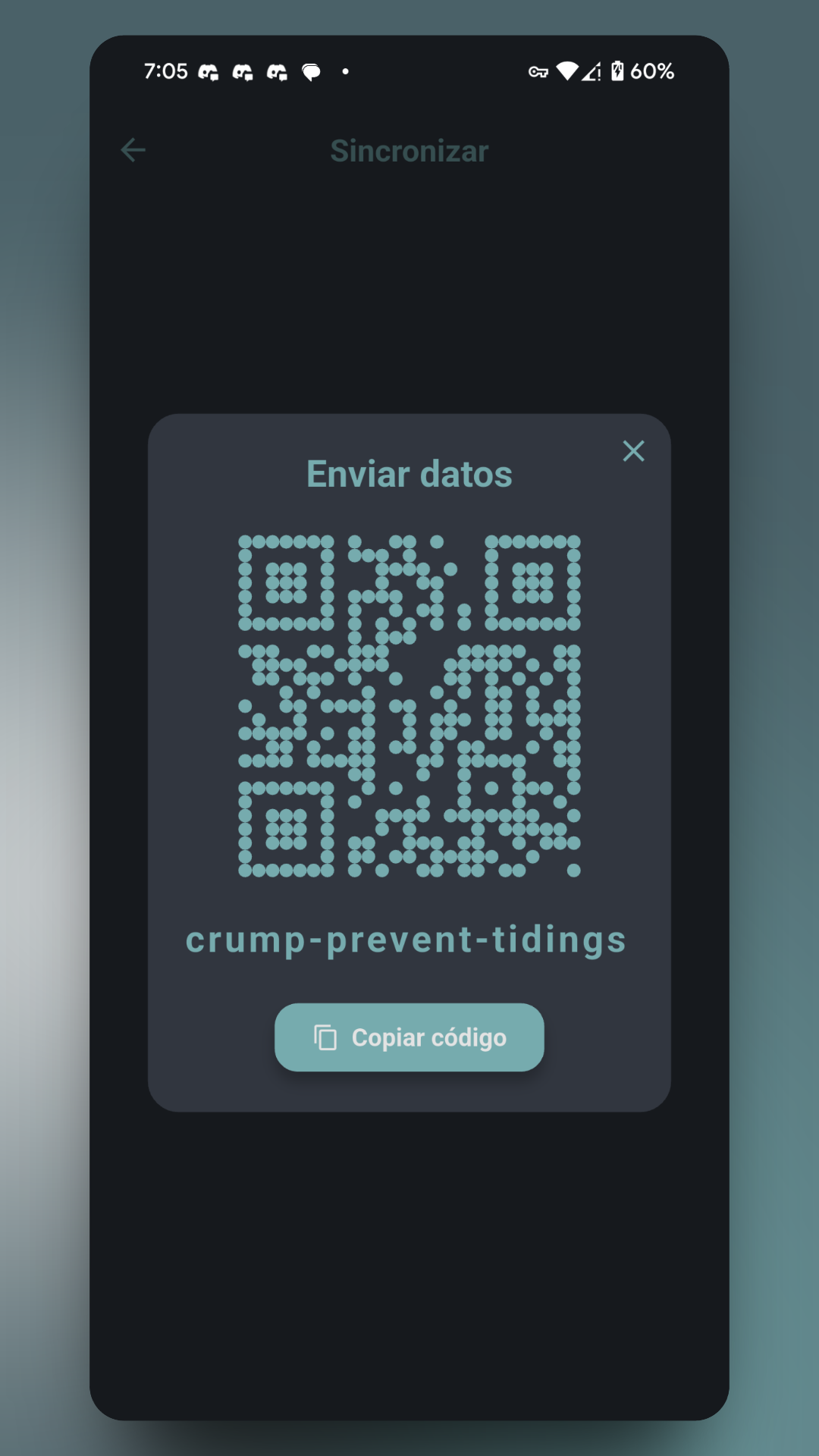
- P2P synchronization system using QR codes that generate single-use secure links without requiring centralized servers
- Robust local storage with SQLite and automatic migrations, ensuring offline availability and optimal performance
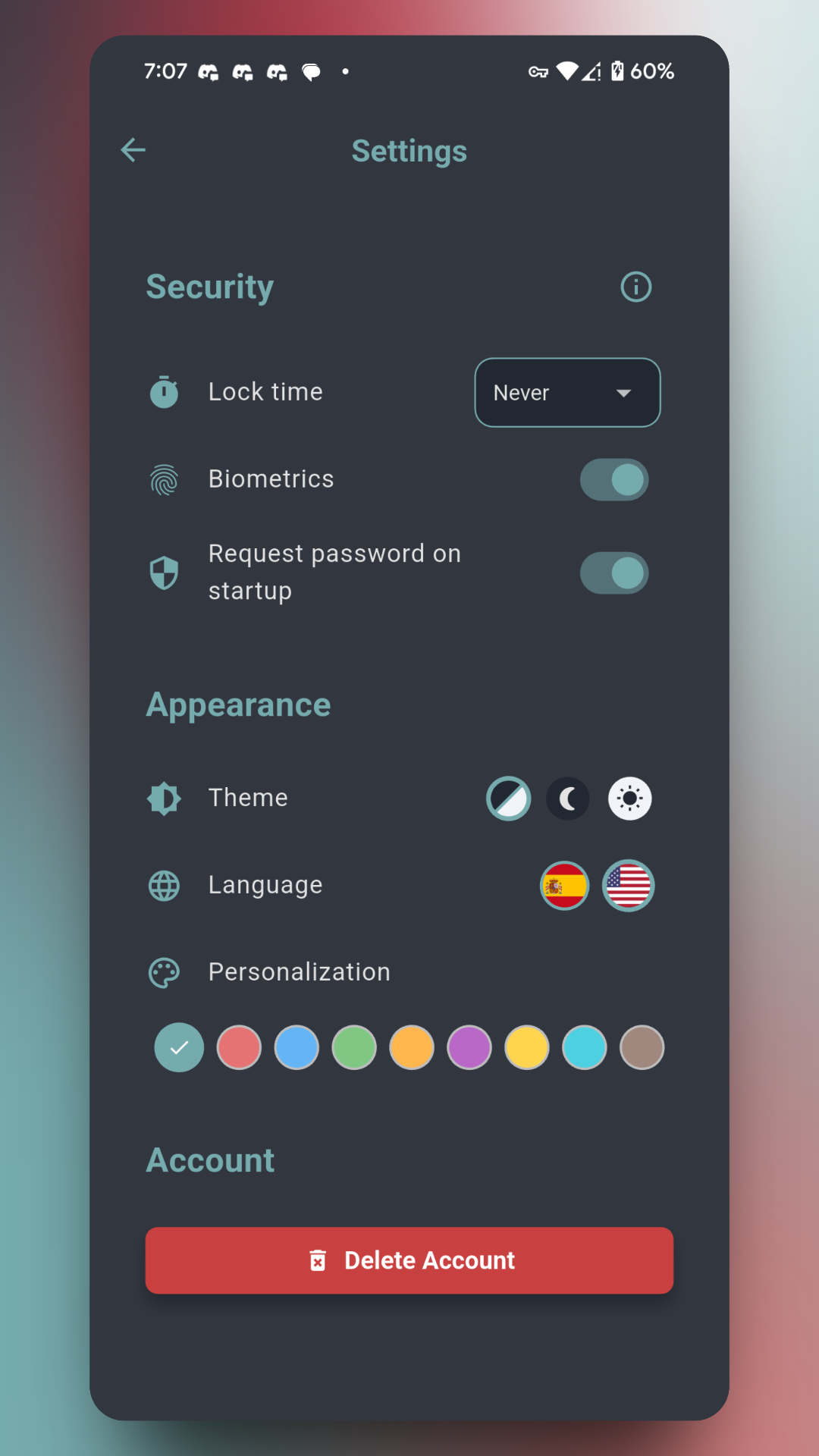
- Intuitive interface with Material Design 3, cross-platform support, and light/dark themes for a consistent user experience
Key Features
Secure Access Management
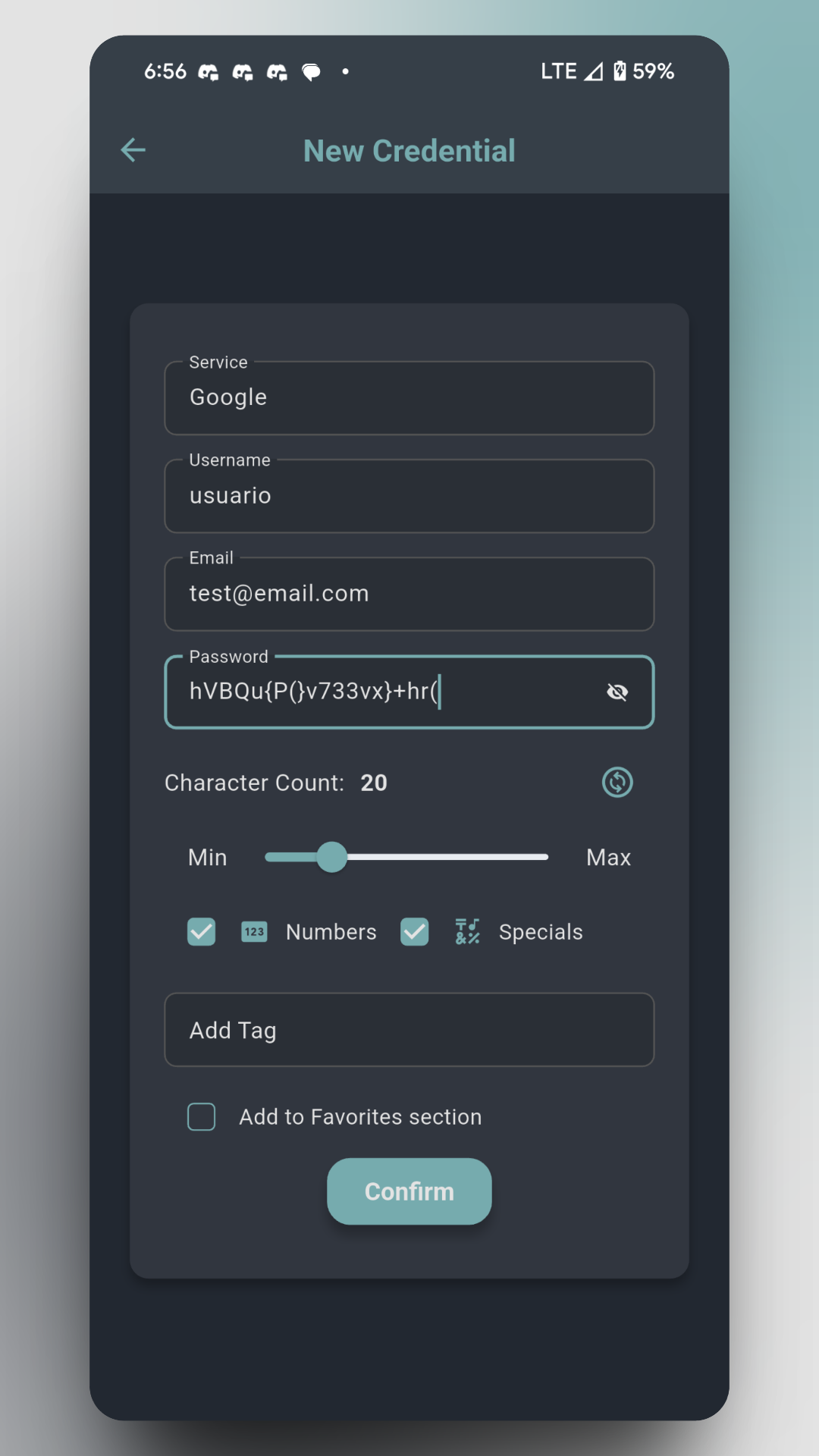
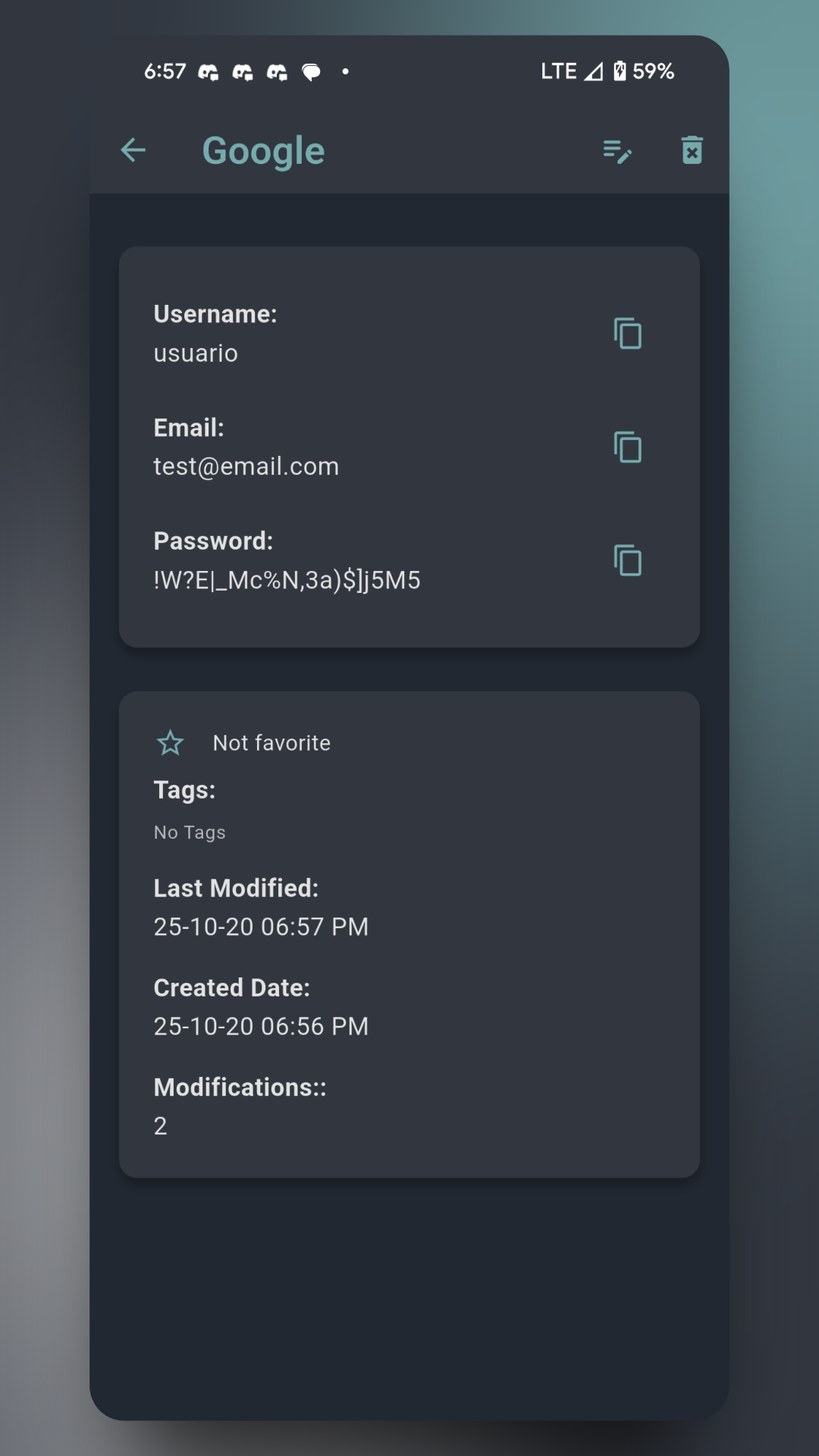
Random generation and secure storage of credentials, notes, tokens, and connections with AES-256 and PBKDF2 encryption.
Secure P2P Synchronization
Share data using QR codes and encrypted files with DataDeadDrop. No central servers.
Advanced Tagging
Organization with relational tags and real-time search for quick access to information.
Native Cross-platform
Works on both mobile and desktop devices allowing a consistent user experience.
Tech Stack
Project Info
- Type
- Mobile and Desktop Application
- Year
- 2024
- Team
- Individual Project
- Duration
- 5 months
Screenshots